Treat speech as raw material
Use speech to capture an argument quickly, then edit the transcript for structure, accuracy, and rhythm. Voice creates useful raw material; deliberate editing turns that material into a publishable article.
The promise of voice writing is easy to oversell. You talk at full speed, software turns sound into text, and a finished article seems to appear before the thought has cooled. What usually appears is a transcript: repetitive, loosely ordered, and full of sentences that made sense while they were spoken.
That transcript is still useful. The mistake is asking it to arrive already edited. Use speech to discover and capture the argument; use the screen to shape it.
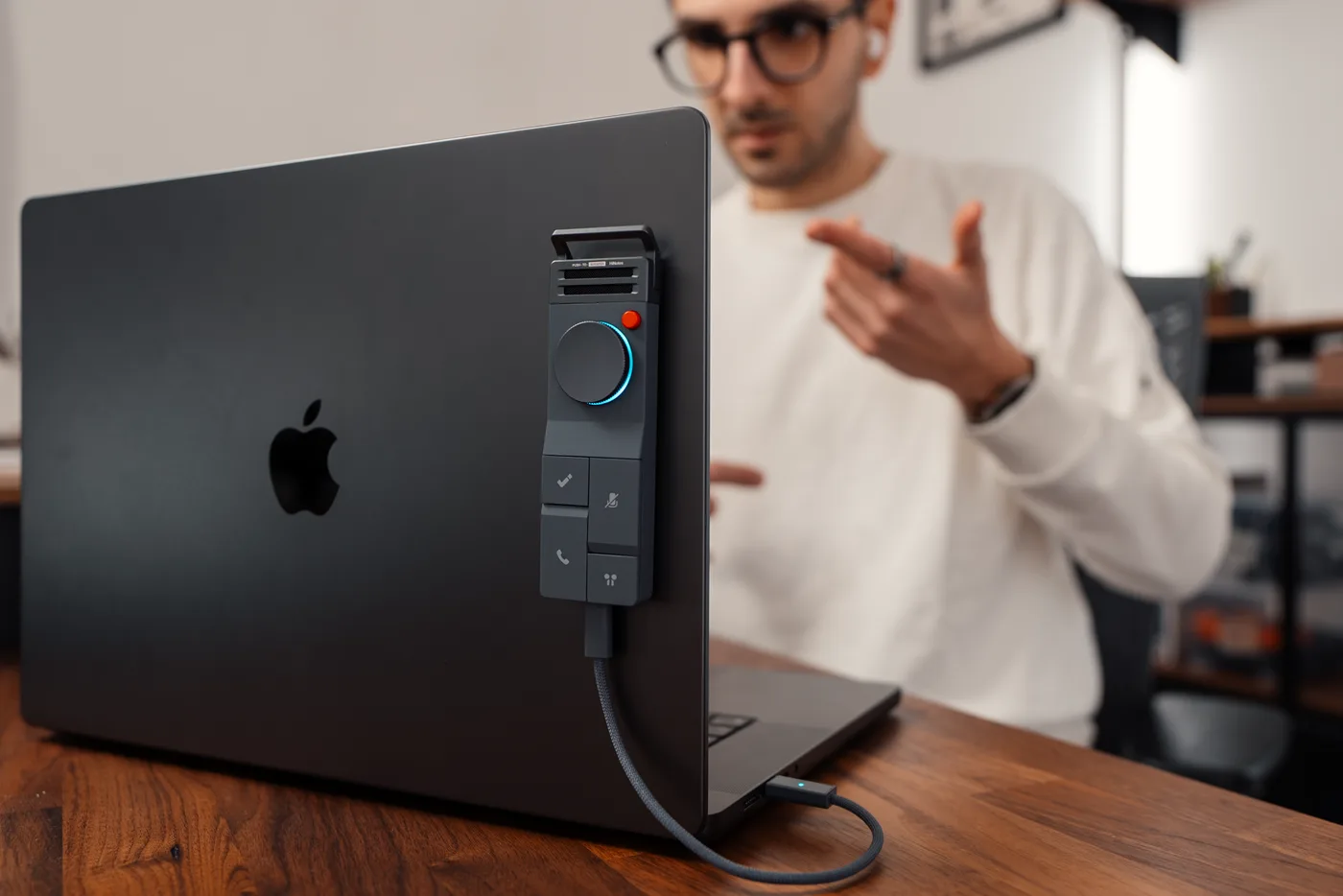
That distinction surfaced in a TechMagnet demonstration of HiDock P1’s Vibe Microphone mode. The reviewer used P1 with Typeless in Google Docs, then argued that the same setup could feed a book, blog post, or social caption. It was a third-party demonstration, not a controlled productivity test, but it showed the right division of labor: a physical control captures speech, software creates editable text, and a person edits the result.
1. Begin with a one-sentence brief
Before speaking, write one sentence with the reader, tension, and payoff. For example: A consultant with three client calls a day needs a way to turn observations into a useful weekly memo without rebuilding the week from scattered notes.
This sentence is a boundary. It stops a five-minute voice draft from becoming a tour of everything you know. If you cannot state the piece in one sentence, more dictation will create more material but little direction.
Do not dictate the headline yet. Headlines compress an argument. You need the argument first.
2. Speak in blocks, not finished sentences
Most people slow themselves down by trying to dictate polished prose: perfect clauses, no pauses, and every mark of punctuation. That replaces the friction of typing with the anxiety of live performance.
Record three kinds of blocks instead. State the claim you want the reader to understand, the evidence or example that makes it credible, and the consequence that should change what the reader does.
Keep each block to roughly a minute and stop between blocks. A visible boundary makes the transcript easier to rearrange and gives you a moment to decide whether the next thought advances the piece.

3. Inspect what the software changed
Voice-input software can remove filler words, restore punctuation, and smooth false starts. In TechMagnet’s demonstration, Typeless cleaned several verbal hesitations before placing the text in Google Docs. Treat that as a convenience, not an editorial verdict.
Automatic cleanup can also erase texture, merge separate ideas, or turn a tentative claim into a confident one. Names, numbers, product terms, links, and quotations deserve a direct check against the recording or source.
Ask whether the software preserved what you meant, whether it introduced certainty you did not express, and which paragraph contains the actual point. Delete throat-clearing aggressively. Spoken drafts often reach the strongest sentence late because the speaker is thinking toward it. Move that sentence up.
4. Edit structure before style
Do not polish the first paragraph while the fifth paragraph still changes the thesis. First arrange the piece as a sequence of reader questions: What problem is this solving? Why does the obvious method fail? What should I do instead? Where does the method break? What is the smallest useful test?
Only after that sequence works should you shorten sentences, vary rhythm, sharpen verbs, and write the headline. This is where a spoken draft becomes written work.
One useful test is to read only the first sentence of every paragraph. If those sentences do not form a coherent argument, the structure is not ready for line editing.
5. Give facts their own pass
Speech is persuasive because it carries confidence and momentum. Those qualities can hide weak sourcing.
Run a separate fact pass. Mark every name, number, compatibility statement, legal condition, product capability, and causal claim. Link each one to a current source or rewrite it as an observation. If the piece includes a quotation, check the recording and keep the excerpt short.
Voice should accelerate the first draft. It should not accelerate an unsupported claim into publication.
Where P1 Vibe Microphone mode fits
HiDock introduced Vibe Microphone mode in P1 Firmware 1.4.3. The P1 becomes a Bluetooth microphone input with a tactile control, while the paired software handles dictation and any text cleanup. Microphone capture, speech recognition, and rewriting remain separate stages, which matters when you are tracing an error.
A laptop microphone and keyboard shortcut may already be enough. A separate device earns its place when you want a tactile boundary for capture, a microphone you can position close to you, or a voice-input control that does not pull your hands back to the keyboard.
The paired voice-input application determines how speech is processed, retained, and protected. Check its privacy terms and your workplace policy before dictating confidential client, personnel, medical, or legal material.
If you want to save an idea as a recording for later transcription, P1’s Whisper Mode is the closer fit. If you want speech to enter the active document or application on your computer, Vibe Microphone mode is the relevant path.
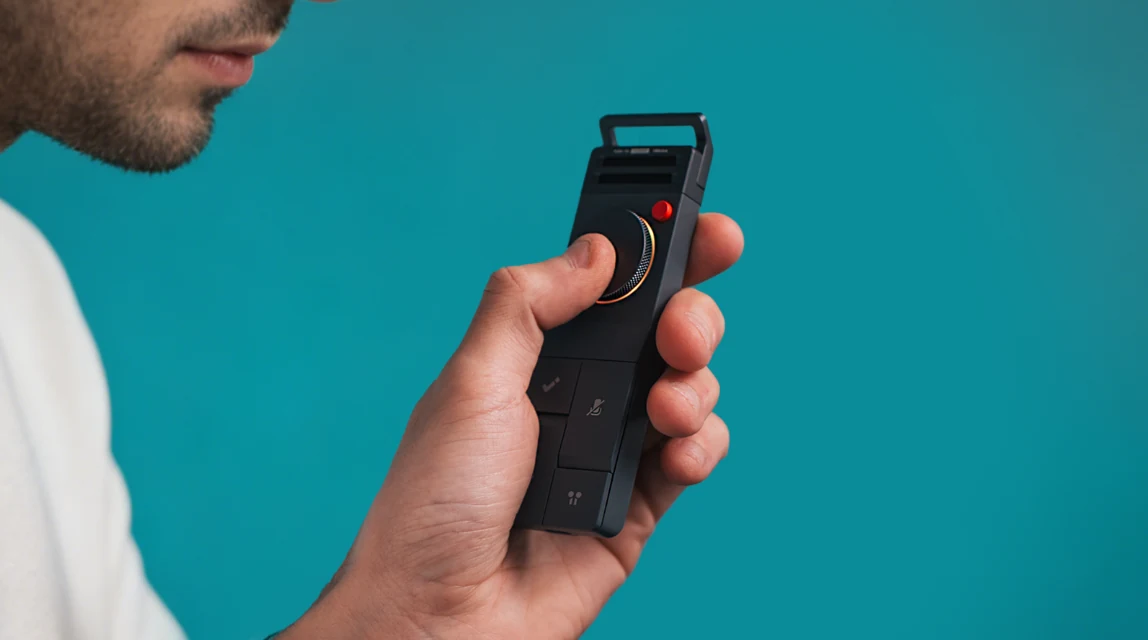
- Choose Vibe MicrophoneDouble-click the side power button and listen for the mode announcement.
- Pair the inputConnect HiDock P1-Vibe Mic in the computer’s Bluetooth settings.
- Configure the softwareChoose the voice-input application and set its preferred shortcut behavior.
- Start from the wheelPress the P1 wheel to begin, then follow the selected software for stopping or submitting.
Know when typing is still better
Voice writing is weak when precision matters more than momentum. Type the final wording of a contract clause. Type a table of numbers. Type unfamiliar names and URLs. Use the keyboard when other people can hear sensitive material or when speaking would disturb the room.
It is also possible that you think more clearly through your hands. Assign each interface the part of writing it handles best instead of trying to replace one with the other.
Run a ten-minute test
Choose a short piece you actually need: a client follow-up, a product brief, or a 300-word post. Spend one minute on the brief, four minutes speaking in blocks, and five minutes restructuring and checking the result.
Compare that with your normal process. Measure the time to an editable, fact-checked draft, not the time until words first appear on screen. Keep the workflow only if the second number improves. A faster transcript that creates a slower edit is not a productivity gain.
Disclosure: HiNotes is published by HiDock, which makes the P1 discussed here. The TechMagnet demonstration is an attributed third-party observation, not a controlled benchmark.